
Gaming
Turn Your Phone into a Gaming Console: The Best Remote Desktop Apps for Gamers in 2026

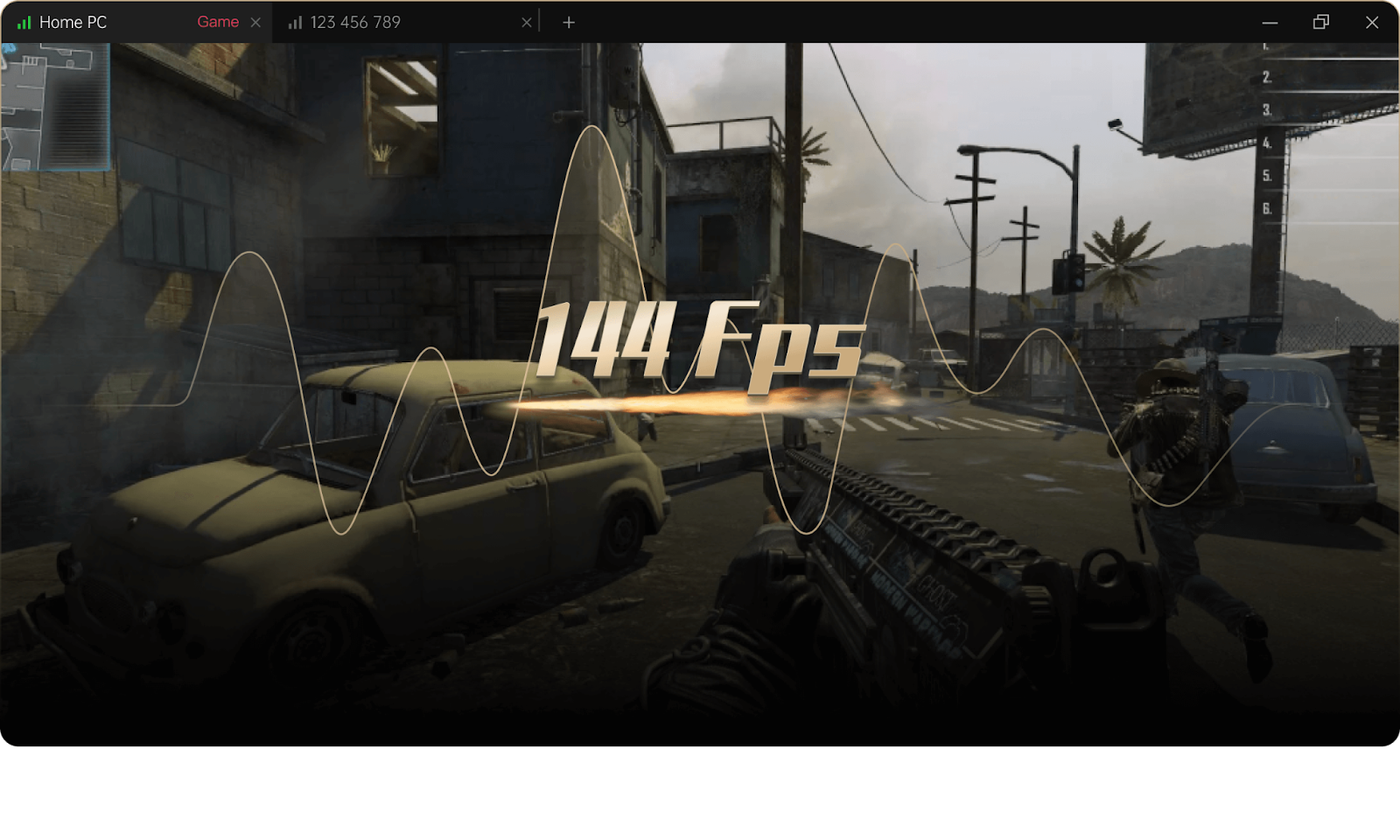
Let’s face it: gaming hardware is expensive. That shiny Steam Deck or high-end gaming laptop can easily set you back hundreds, if not over a thousand dollars. But what if we told you there’s a way to turn a device you already own—your smartphone—into a fully functional gaming console? Pair it with your idle PC at home, and suddenly, you’ve got a portable gaming rig without the eye-watering price tag.
In 2026, remote desktop technology has evolved to the point where playing AAA PC games on your phone is not just possible—it can actually be fun, smooth, and immersive.
Why Smartphones Are the Ultimate Budget Console
Smartphones are everywhere, and most of them are already powerful enough to handle complex graphics streaming. Meanwhile, many of us have PCs sitting idle for hours. By streaming your PC’s games to your mobile device, you get all the performance of a gaming rig combined with the portability of your phone. It’s a win-win situation that also saves a ton of cash.
The main trick? You need the right remote desktop apps for gamers that can handle high frame rates, low latency, and responsive controls.
Mainstream Remote Desktop Options
There are several popular remote desktop solutions on the market:
- Microsoft Remote Desktop: Great for office tasks, but suffers from input lag and low frame rates when streaming games.
- Steam Remote Play: Offers decent performance, especially for Steam games, but the setup can be finicky, and non-Steam games may require extra configuration.
- Parsec: Optimized for gaming, supports high frame rates, and works with controllers, but some users find the UI confusing.
Each of these tools has its strengths, but they also have limitations, especially for casual gamers who just want something that works without a lot of tinkering.
The Ultimate Hassle-Free Gaming Solution
Enter AweSun Game Edition, the ultimate solution for gamers who want to turn their smartphone into a gaming console without headaches. With its intuitive interface and virtual gamepad support, AweSun makes remote PC gaming ridiculously easy.
Simple, User-Friendly UI
Unlike some remote desktop apps that require complex setup, AweSun guides you through the connection process in minutes. You don’t need to tweak network settings, adjust encoding parameters, or wrestle with firewall rules. Just install, connect, and start playing.
Virtual Gamepad and Custom Controls
Touchscreen controls can be tricky, but AweSun solves this with an integrated virtual gamepad. You can map any keyboard or controller inputs directly to your phone, so games feel natural—even fast-paced shooters or intricate RPGs.
Optimized for High Performance
AweSun doesn’t just make gaming accessible; it makes it smooth. Low-latency streaming, dynamic frame rate adjustment, and high-quality compression ensure that your games look and feel great—even on mobile networks. That means no frustrating lag, screen tearing, or choppy performance.
Why It Beats Buying New Hardware
Consider the cost: a Steam Deck can run upwards of $400–$600, while a smartphone and an existing PC cover the same functionality at essentially zero extra cost. Plus, your mobile setup is portable. You can play anywhere, anytime, without lugging around bulky hardware.
Whether you’re commuting, traveling, or just lounging in bed, your smartphone becomes your ultimate gaming console with minimal effort.
Getting Started Is Easier Than You Think
- Install AweSun Game Edition on both your PC and smartphone.
- Connect devices via your home network or internet.
- Customize your virtual gamepad controls to match your favorite game.
- Launch your AAA PC titles and enjoy gaming anywhere.
It’s that simple.
With the right software and a stable connection, turning your smartphone into a portable gaming console becomes surprisingly easy.
As remote streaming technology continues to improve, mobile devices are becoming a practical extension of the traditional gaming PC. Solutions built specifically for gaming allow players to access their desktop performance from almost anywhere, making high-quality gaming more flexible and accessible than ever before.

CPA Course Exam Retake: Rules, Fees & Preparation Strategy

Exhibition Stand Design in Italy: Essential Planning and Construction Insights from Stand Builders GmbH
How to Keep Your Demat Account Secure While Investing Online
How Instant Money Loan Apps Work: From Application to Disbursal

Single Door Fridge vs Double Door Fridge: Which Is Right for Your Indian Home in 2026?
Understanding AI Agent Architecture: From Automation to Autonomous Intelligence

How DMCA Ignored Hosting Help Adult Content Sites?

Other Alternatives to the Bigbunny Login Casino
Web UI Design Services, Custom Web App Development, or Local Product Design: Where to Start

Type-C to C vs Type A to Type C Cable: What’s the Difference?
How Instant Money Loan Apps Work: From Application to Disbursal
Understanding AI Agent Architecture: From Automation to Autonomous Intelligence
Single Door Fridge vs Double Door Fridge: Which Is Right for Your Indian Home in 2026?
How to Keep Your Demat Account Secure While Investing Online
Exhibition Stand Design in Italy: Essential Planning and Construction Insights from Stand Builders GmbH
CPA Course Exam Retake: Rules, Fees & Preparation Strategy


 Tech2 years ago
How to Use a Temporary Number for WhatsApp
- Business3 years ago
Sepatuindonesia.com | Best Online Store in Indonesia
- Social Media2 years ago
The Best Methods to Download TikTok Videos Using SnapTik
- Technology2 years ago
Top High Paying Affiliate Programs
- Tech2 years ago
Understanding thejavasea.me Leaks Aio-TLP: A Comprehensive Guide
- FOOD2 years ago
How to Identify Pure Desi Ghee? Ultimate Guidelines for Purchasing Authentic Ghee Online

 Instagram4 years ago
Free Instagram Auto Follower Without Login
- Instagram4 years ago
Free Instagram Follower Without Login