
Blog
From Gaming to Studio: Evolving Your Setup with Purpose

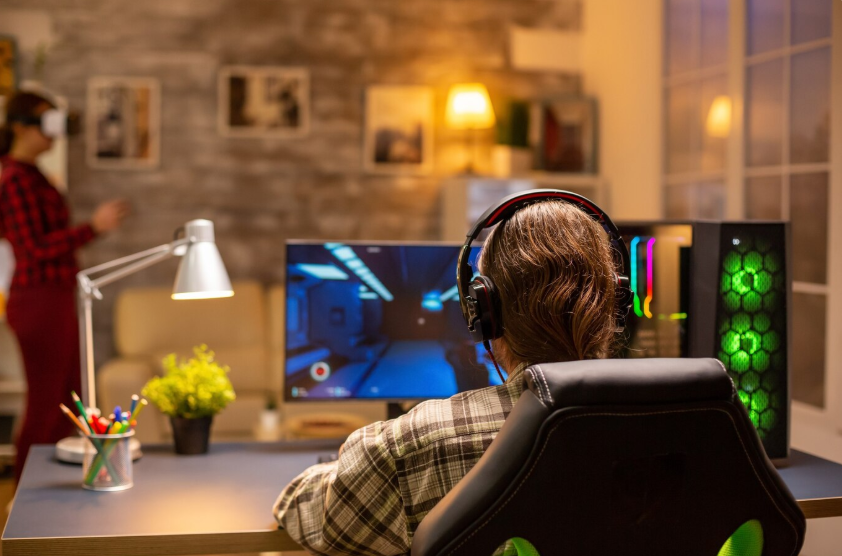
What begins as a gaming hobby often grows into something more—streaming, content creation, podcasting, music production, digital art, or even full-scale video editing. If you’ve found yourself craving more than just high frame rates and RGB lighting, you’re not alone. Many gamers are now converting their setups into creative studios. The transition from a gaming rig to a productive, multi-use studio is not just possible—it’s a powerful evolution.
Assessing Your Current Setup: What Do You Already Have?
Most modern gaming PCs already contain impressive hardware. If you’ve invested in a strong GPU, a fast CPU, ample RAM, and a good monitor, you’re halfway there. Gaming accessories like mechanical keyboards, precision mice, and comfortable chairs are studio assets too.
Before upgrading, make an inventory of:
- Processor and GPU capabilities
- RAM and storage availability
- Monitor specs (color accuracy, resolution)
- Audio devices (headsets, DACs, etc.)
- Desk space and ergonomics
Understanding your starting point helps you invest wisely.
Defining Your Creative Goals
The “studio” means different things to different people. You may want to:
- Start a Twitch or YouTube channel
- Record and edit podcasts or voiceovers
- Mix music or DJ sets
- Produce digital art, 3D modeling, or animation
- Edit high-resolution videos or cinematic content
Each of these has slightly different technical needs. A music producer will care more about sound isolation and audio interfaces, while a video editor will want a color-accurate monitor and external drives.
Upgrading the Heart: PC Components That Matter
Processor (CPU):
For creative workflows, your CPU must handle multitasking. An Intel i7/i9 or AMD Ryzen 7/9 (or their Apple M1/M2 equivalents on Mac) is ideal. These offer the power needed for rendering, editing, and managing complex files.
Graphics Card (GPU):
Your GPU may already be top-tier from gaming. But if you’re diving into 3D modeling, rendering, or motion graphics, Nvidia RTX cards (3060 or higher) with CUDA support are valuable.
RAM:
Gaming often requires 16GB, but creative tasks like video editing or music production work smoother with 32GB or more.
Storage:
Swap to NVMe SSDs for speed. Use one for OS and apps, another for active projects. Add external HDDs or NAS systems for backups.
Display Upgrades: Seeing the Details
Gamers love refresh rates; creators crave accuracy.
What to look for:
- IPS panels for better color
- 100% sRGB or AdobeRGB coverage
- 4K resolution for video editing or art
- Dual monitor setup to manage timelines and toolbars
Consider a color calibration tool if your work is color-sensitive.
Audio: From Gaming Chat to Studio Sound
Gaming headsets often emphasize bass and virtual surround—not ideal for studio tasks. Instead, switch to studio-grade audio gear.
Best upgrades:
- Studio headphones (like Audio-Technica ATH-M50x or Beyerdynamic DT 770)
- Audio interface (Focusrite Scarlett or PreSonus)
- Condenser microphone for voiceovers, streaming, or podcasting
- Studio monitors (Yamaha HS5/HS8 or KRK Rokit) for music work
- Acoustic treatment to reduce reflections and noise
Camera and Lighting: Studio-Level Visuals
If you’re streaming or creating content, your image matters.
Cameras:
- Upgrade from webcam to DSLR/mirrorless camera with capture card (like Elgato Cam Link)
- Logitech Brio is a good in-between webcam with 4K
Lighting:
- Softbox lights or LED panels (Elgato Key Light or Neewer kits)
- Ring lights work for simple vlogging or makeup tutorials
- Backlight for depth and aesthetic glow
Don’t forget: Good lighting is more important than an expensive camera for most creators.
Desk Layout and Ergonomics
Gaming desks are usually about flair—studios require function.
Optimize for comfort and workflow:
- Sit-stand desks are worth the investment
- Monitor arms free up desk space and improve posture
- Cable management reduces clutter and enhances focus
- Add a keyboard tray and ergonomic chair for long editing or recording sessions
Software That Powers Creation
Your gaming PC is ready, but studio software makes it functional.
For video editing:
- Adobe Premiere Pro
- DaVinci Resolve
- Final Cut Pro (Mac)
For music production:
- FL Studio
- Ableton Live
- Logic Pro (Mac)
- Pro Tools
For digital art:
- Adobe Photoshop, Illustrator
- Procreate (iPad)
- Blender (3D modeling/animation)
For streaming and recording:
- OBS Studio or Streamlabs
- Elgato Game Capture
- Audacity or Adobe Audition for audio editing
Make sure you’re also using cloud storage or local backups to secure your work.
Lighting and Aesthetic: Keeping the Gamer Vibe (Optional)
Many creators want to keep the gaming aesthetic alive. RGB doesn’t have to go—just blend it with more mature tones.
- Use smart lighting (Philips Hue or Govee) with warmer presets for relaxed work.
- Add plants or wall panels for a creative studio feel.
- Use a stream deck to control lighting, sound effects, or macros during content creation.
Managing Sound and Acoustics
Even if you’re not producing music, sound quality matters.
- Add foam panels, bass traps, or bookshelves to reduce echo.
- Use carpets or curtains to absorb noise.
- Monitor noise from keyboards and fans—replace with quieter options if needed.
Clean audio = professional content.
Budget Planning: Do You Need Everything Now?
The transition from gaming to studio can be expensive—but it doesn’t have to happen all at once.
Start small:
- Improve your mic and audio first.
- Upgrade your monitor and lighting.
- Add a second SSD or more RAM.
- Invest in software as needed.
Build gradually with intention, not just hype.
Monetization: Turning Passion into Profit
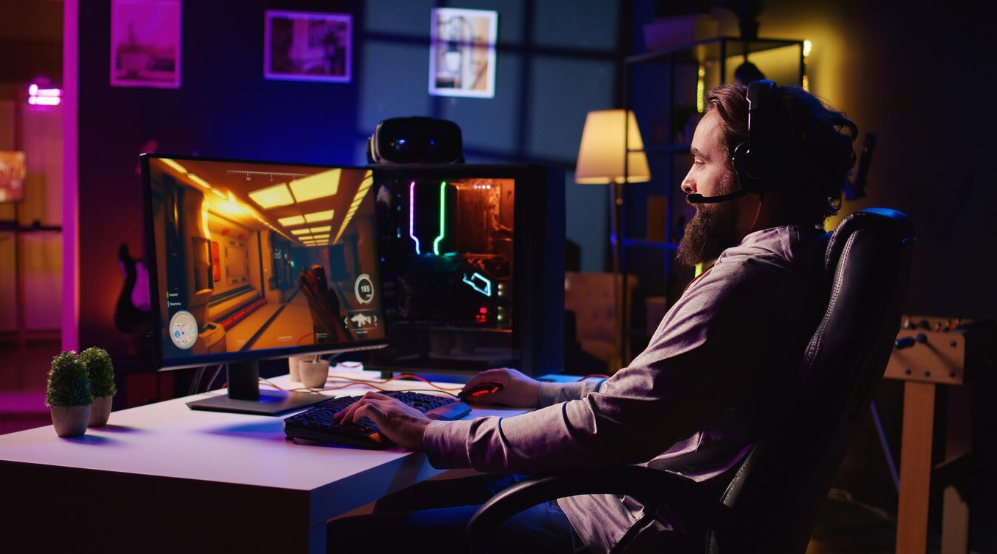
A studio setup can be the foundation of a side hustle—or full-time career.
Monetization options:
- Start a YouTube or TikTok channel
- Offer freelance services (editing, voiceovers, artwork)
- Launch a podcast
- Create an online course or Patreon
- Sell digital products (templates, beats, assets)
Consistency and quality content, not just gear, make you successful.
Final Thoughts
Transitioning from gaming to a studio is a natural progression for many. You’re not giving up your love of gaming—you’re expanding your possibilities. Whether you dream of being a YouTuber, musician, editor, or designer, your setup can support that.
In today’s world, your desktop isn’t just a place to play. It’s where you create, connect, and build something meaningful. And with the right tools, your gaming setup can become a launchpad for your creative future.


How to use Gemini to summarize YouTube videos
Türk Idla: Turkey’s Digital Culture Wave Redefining Identity Online

BugsIsDead: Exploring the Phenomenon Behind the Name

Betametacron: Uses, Benefits, Side Effects & Complete Guide

Why AI Humanizers Are Becoming Essential for Natural, Authentic Writing

Kipflix: Your Ultimate Guide to Streaming Smarter

Crypto30x.com Avalanche: Guide to Smart Crypto Investing

The Mystery and Meaning of Cartetach: A Deep Exploration
Why Your Desk Is Always Messy (and How to Fix It)

The 5 Best AI Humanizers to Use in 2026 (Expert Comparison & Results)

Dintoube: A Complete Guide to Its Meaning, Use, and Influence

SonderMind Login: Your Complete Access & Support Guide

From 14 Days to 72 Hours: How Precision Aluminum Prototyping Saves 30% in Development Costs for Medical Device Companies?

How to Design Custom PCBs Fast: A Simple Step-by-Step Guide

Precision CNC Milling: How to Achieve 85% First-Pass Functional Success Rate for Your IoT Hardware

The Rise of Niche Offshore Roles in Emerging Tech

Turn Yourself Into a Star: The Ultimate Movie & Celebrity Face Swap Experience

Damplps: The Digital Term Transforming Online Creativity

Mmdbee: The Ultimate Guide to Understanding Its Impact and Uses

How Finance Firms Can Stop Invoice Fraud with Targeted Simulations
How to use Gemini to summarize YouTube videos
Türk Idla: Turkey’s Digital Culture Wave Redefining Identity Online
BugsIsDead: Exploring the Phenomenon Behind the Name

How to Use a Temporary Number for WhatsApp

Sepatuindonesia.com | Best Online Store in Indonesia

The Best Methods to Download TikTok Videos Using SnapTik
-
 Tech1 year ago
How to Use a Temporary Number for WhatsApp
-
 Business2 years ago
Sepatuindonesia.com | Best Online Store in Indonesia
-
 Social Media1 year ago
The Best Methods to Download TikTok Videos Using SnapTik
-

 Technology1 year ago
Top High Paying Affiliate Programs
-

 Tech10 months ago
Understanding thejavasea.me Leaks Aio-TLP: A Comprehensive Guide
-

 FOOD12 months ago
How to Identify Pure Desi Ghee? Ultimate Guidelines for Purchasing Authentic Ghee Online
-
 Instagram3 years ago
Free Instagram Auto Follower Without Login
-
 Instagram3 years ago
Free Instagram Follower Without Login